Multi-Modal Art Project
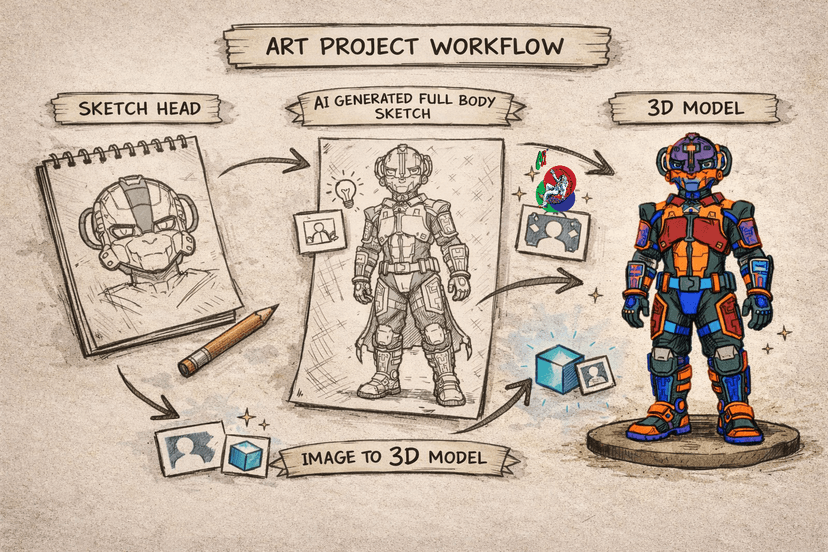
This project is a multi-modal one, started with a sketch and then used that sketch to drive the creative direction of the webpage through generative Ai models.
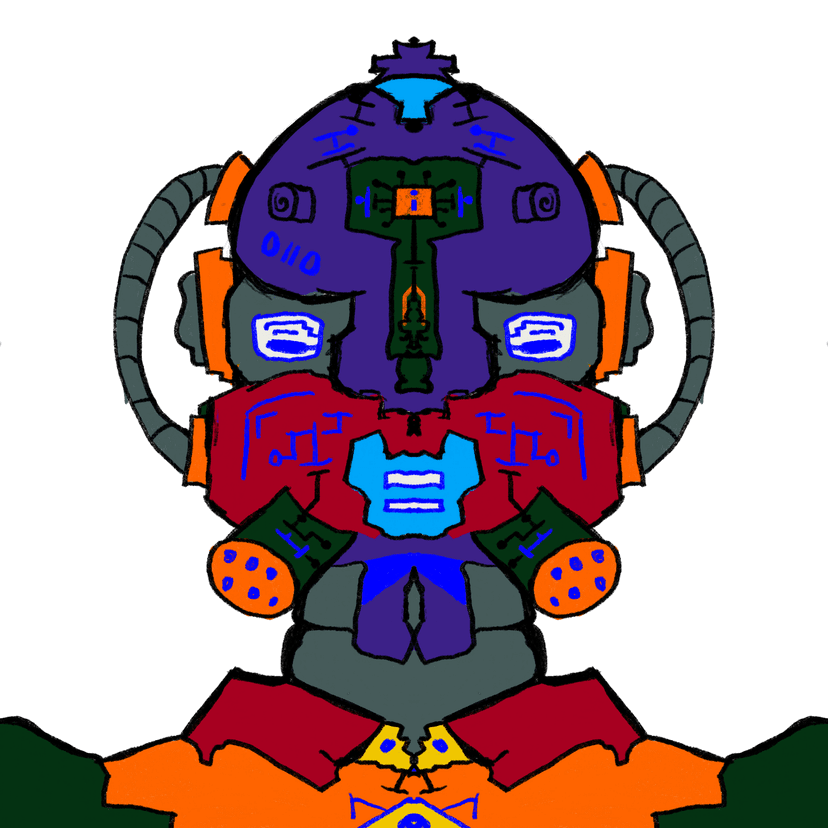
Design Process Timeline:
Step 1:
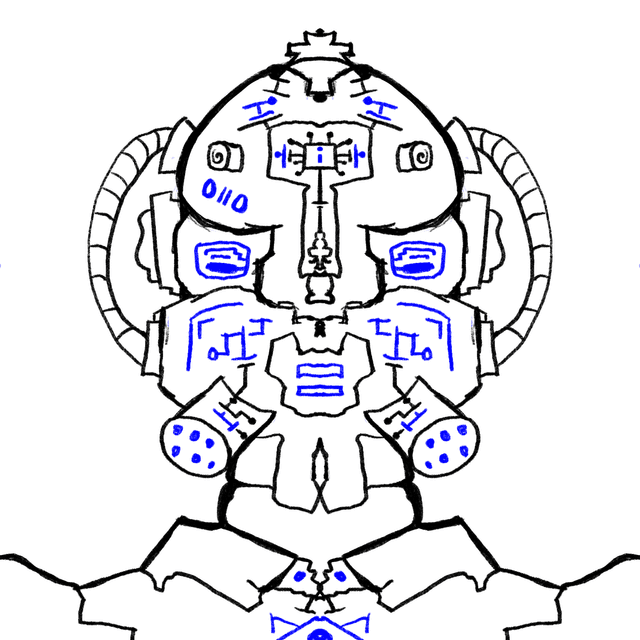
Started off by sketching my character's head and shoulders as shown in the section above.
Step 2:
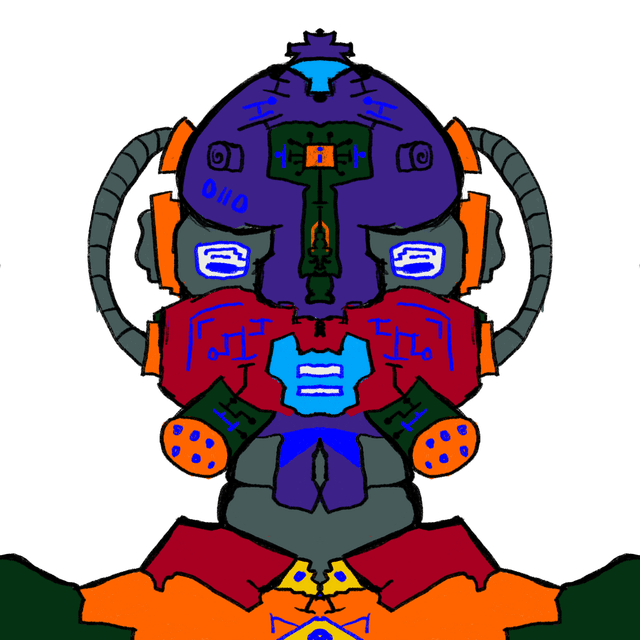
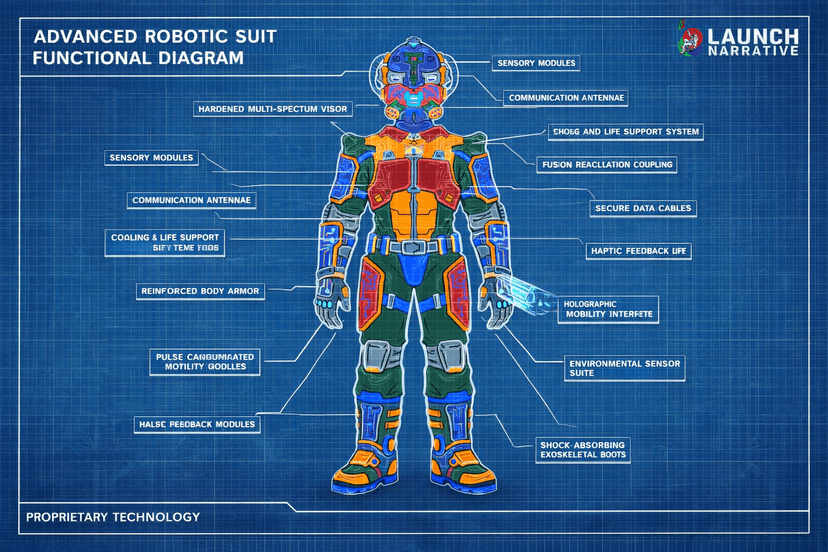
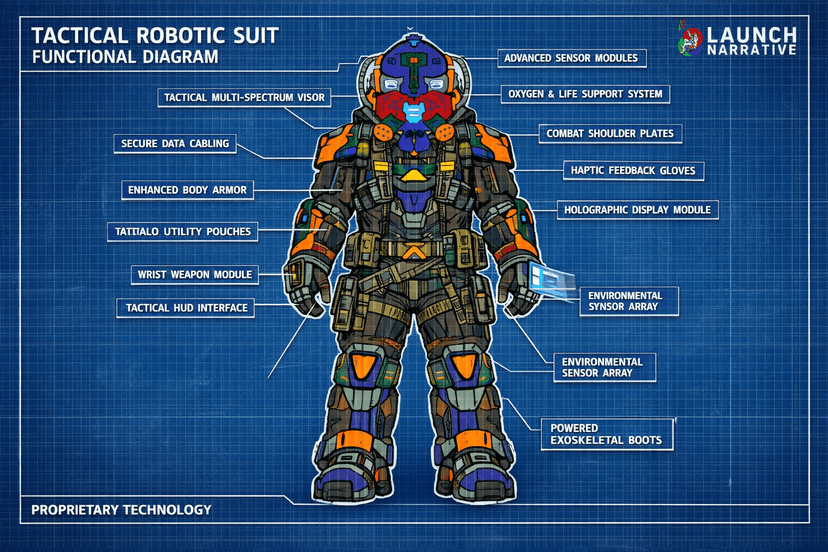
Used Ai to extend my initial idea, and generate most of the other assets, and also incorporated my initial sketch.
Step 3:
Used image design tools to adjust assets and add branding, as well as design the overall web page appearance.
Step 4:
Used a modern web frame work and style tooling to bring the design into the web realm/browser.
Step 5:
Share the Multi-Modal art project.
Tools used in the project:
Procreate
This is my image manipulation tool of choice, used it in this project to sketch the main elements of my character. It is packed with so many tools and utilities to help you quickly get into a creative groove.
ChatGpt 5.2
This is the tool i use to create all the assets associated with the project, definitely one of the best ways to make your project have a consistent appearance.
Meshy Ai
This is one of the easiest ways to go from images to textured 3d models, and it even allows you to add animations to the generated models.
After Effects
This is the tool i use for most of my video manipulation, use this one specifically because it allows for the incorporation of 3d models as well. Really instrumental motion design tool in my tool kit.
Next Js
Next Js is my framework of choice when building on the web at the moment, a JavaScript native framework allows for fluid workflow that is easy to scale.
Tailwind CSS
My preferred styling method for Next Js is Tailwind CSS, it may start off looking like some strange inline code, but once you get past that, it ends up speeding up your styling and simplifying responsive design.

Grok Imagine
This is one of my favorite multi-media generation Ai platforms as the generations have sound natively, and the Ai model allows you to explore your creativity and generate almost anything that you can imagine.
Figma
This is the design tool that i used to create the design of the web portion of this project, it is absolutely free and has all the tools necessary to allow you to prototype and architect your web pages and other general design work.